
Shared Business Expenses: How to Split One Bill Across Multiple Projects
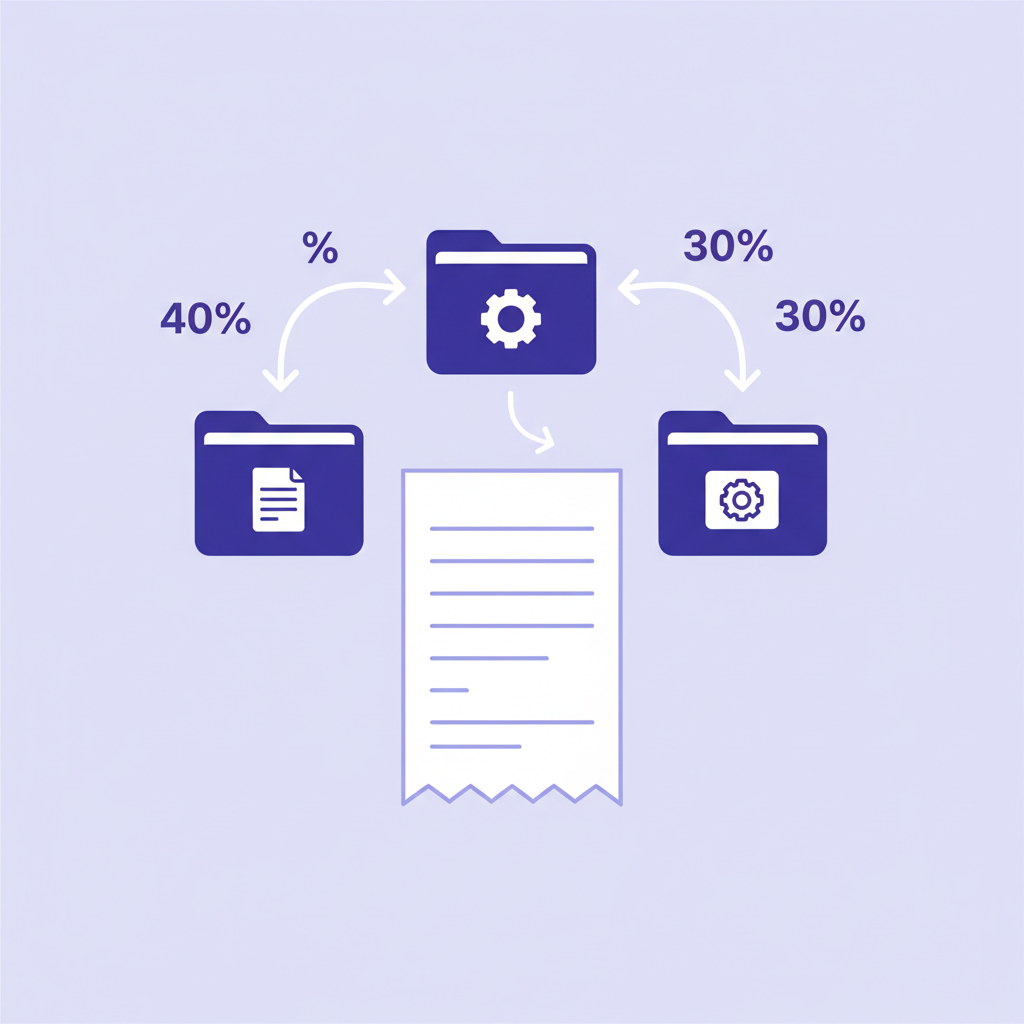
You pay $50/mo for a DigitalOcean droplet. On it, you host the landing page for your freelance business, the checkout for your Etsy shop's printables, and a small newsletter's archive. Three income streams, one bill.
Is that $50 a "consulting expense"? An "Etsy expense"? A "newsletter expense"? On your tax return it doesn't matter — Schedule C rolls everything up. But if you want to know which of those three streams actually makes money, you have to split the bill. That's what shared-expense allocation is, and this post walks through how to do it in a way the IRS won't question.
What counts as a shared expense
A business expense is "shared" if it serves more than one income stream. The common ones for freelancers:
- Infrastructure — hosting, domain registrars, email, SaaS with per-seat pricing
- Software — Adobe Creative Cloud, Figma, Notion, your project-management tool, your password manager
- Office costs — rent (if you have an office), home office expenses (simplified or actual method), utilities, internet, phone
- Professional services — your accountant, your lawyer, your bookkeeper, general liability insurance
- General marketing — a personal brand site, LinkedIn Premium, your portfolio hosting
The test: if you shut down one income stream tomorrow, would this expense disappear? If no, it's shared. If yes, it's direct to that stream.
The three allocation methods the IRS accepts
The IRS doesn't prescribe a single method. Per Publication 535 and Regulation §1.162-4, the requirements are:
- The method must be reasonable (a defensible link to how the expense is actually consumed).
- The method must be applied consistently (you can't cherry-pick the method that favors whichever income stream happens to look best that year).
- You must document the method in case of audit. Write it down. A sentence in a notes file is enough; the point is evidence that you didn't invent the allocation retroactively.
Three methods meet these criteria for most freelancers:
Method 1: Hours-weighted (usually the right choice)
Split the cost in proportion to hours worked on each income stream. If consulting takes 100 hours this month, Etsy takes 30, newsletter takes 20, your $50 VPS bill splits $33.33 / $10.00 / $6.67.
Works well for anything where cost is roughly proportional to how much you use it — your home office, internet bill, productivity software, most SaaS. The cost didn't scale with how much you earned from each stream; it scaled with how much you worked on each.
Method 2: Revenue-weighted
Split by percentage of total business revenue. If consulting brings $8k/mo, Etsy $2k, newsletter $300, the $50 bill splits $39.02 / $9.76 / $1.46.
Works well for costs that scale with the business's size in a money sense — merchant account fees, your accountant's retainer, general liability insurance, business bank account fees. Also works for payment-processor-adjacent overhead.
The risk: revenue-weighted can look like you're hiding costs in your biggest stream. Keep consistent and document.
Method 3: Equal-share (the simplest)
Split the cost equally among active income streams. Three streams, $50 bill, each project eats $16.67.
Works when the resource is genuinely shared equally — a domain registrar hosting three vanity domains, a Notion workspace with one page per project, a password manager with equal footprint for each business.
Not appropriate when one stream clearly dominates usage. Don't assign a newsletter that gets 40 hours/year the same $16.67 as consulting at 1200 hours/year just because "equal" sounds fair.
Worked example: $50 VPS across three streams
| Stream | Hours/mo | Revenue/mo | Hours split | Revenue split | Equal split |
|---|---|---|---|---|---|
| Consulting | 100 | $8,000 | $33.33 | $39.02 | $16.67 |
| Etsy | 30 | $2,000 | $10.00 | $9.76 | $16.67 |
| Newsletter | 20 | $300 | $6.67 | $1.46 | $16.67 |
Which one is "right"? It depends on what the VPS is actually doing. If it's mostly serving images for the Etsy shop and the consulting work barely uses it, hours-weighted is wrong — the consulting side is over-charged. If all three services hit the server equally often, equal-split is fair.
The honest answer for a $50 bill: any of the three is defensible. Pick one, document it, stay consistent. The IRS isn't going to question a $23 difference on a $50 line item.
Where allocation matters most
The method matters proportionally to the amount. The $50 VPS is low-stakes. The $1,800/mo coworking space is not. The $2,400/yr accountant retainer is not. Spend five minutes picking the right method for the big ones; don't lose sleep over the small ones.
Home office: the special case
Home office gets its own treatment because of the exclusive-use rule. If your home office is 180 sq ft of a 900 sq ft apartment, that's 20% of your home. The simplified method lets you deduct $5 per business sq ft up to 300 sq ft ($1,500 max). The actual-expense method lets you deduct 20% of rent, utilities, renter's insurance, and depreciation.
If you run multiple income streams from the same home office, the home office deduction goes on your Schedule C as a single line — it's not allocated across streams. For internal tracking (profit per project), allocate the calculated home office deduction to your streams using the same method you use for other overhead.
Software you actually use to allocate
Three levels of rigor:
- Manual spreadsheet. Works. Requires you to recalculate every month as hours and revenue shift. Fine for 2–3 streams; painful at 5+.
- Generic bookkeeping tool + tags. QuickBooks and Xero let you tag transactions, but allocation isn't built in — you tag the full $50 to "Shared" and then have to remember to split it later. Gives you the data; doesn't do the math.
- A tool built for it. Hustlay lets you mark an expense "shared," pick the allocation method once, and the per-project P&L recomputes automatically. This is the Pro-tier feature that exists specifically because QuickBooks doesn't do it and freelancers need it.
A checklist for getting this right
- List your current recurring expenses. Mark each one direct (to which project?) or shared.
- For the shared ones, decide in advance which allocation method fits (hours, revenue, or equal). Different expenses can use different methods.
- Write down your decisions in a notes file or your tool's settings panel. Keep a copy with your year-end tax documents.
- Recalculate allocations monthly. Don't batch at tax time — too much drift.
- Revisit the methods annually if your mix changes significantly (new income stream, major shift in hours).
Related reading: the pillar guide on profit per project covers the full mechanics, including how shared allocation feeds into profit-per-hour math.