
6 sheets: How to use · Summary · Project 1–3 · Shared costs. Example numbers included so you can see the formulas work.
Key takeaways
- Net profit = total income − total expenses; profit margin = net profit ÷ total income.
- Each project sheet has 3 income lines, 6 expense lines and a shared-cost line, by month, with a year total.
- Shared bills are entered once with a % per project, so no project carries the whole cost.
- The Summary sheet compares income, expenses, profit and margin across all projects for the year.
Preview
What a project sheet looks like (first quarter, example data)
| Line | Jan | Feb | Mar | Q1 |
|---|---|---|---|---|
| Client work / sales | $1,200 | $1,250 | $1,300 | $3,750 |
| Total income | $1,200 | $1,250 | $1,300 | $3,750 |
| Software & tools | $60 | $60 | $60 | $180 |
| Shared costs (your share) | $51 | $51 | $51 | $153 |
| Total expenses | $111 | $111 | $111 | $333 |
| Net profit | $1,089 | $1,139 | $1,189 | $3,417 |
| Profit margin | 90.8% | 91.1% | 91.5% | 91.1% |
Shared costs here: a $20 server (50%), $60 design software (40%) and $50 phone plan (34%) = $51 a month.
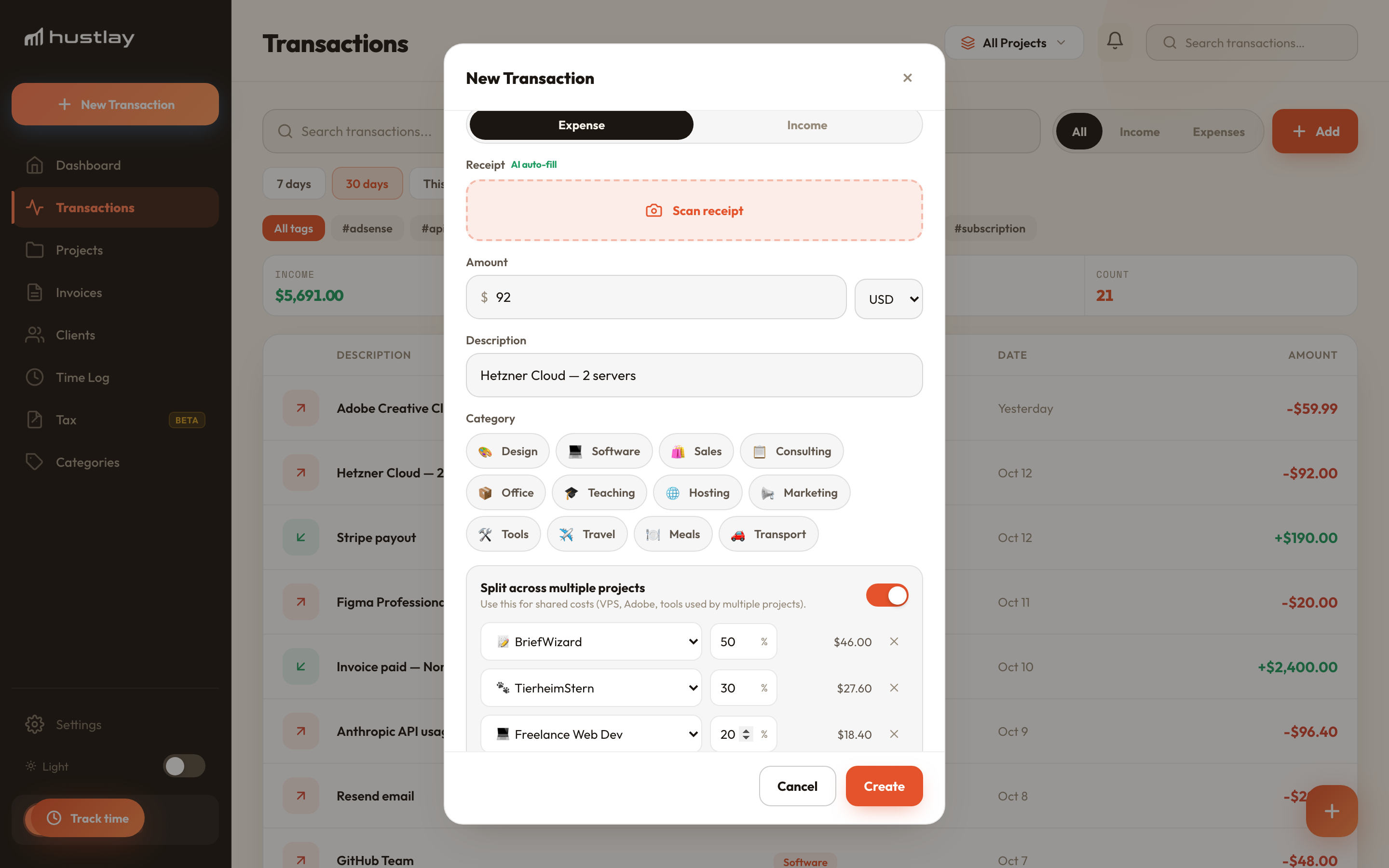
Tired of updating spreadsheets every month? Hustlay keeps the same P&L per project, splits shared bills automatically and adds profit per hour.
Try Hustlay freeHow to use it
Fill in the template in four steps
- Name your projects. Overwrite cell A1 on each project sheet — a client, a shop, a channel. The Summary picks the names up.
- Enter income and expenses by month. Totals, net profit and margin calculate themselves.
- Add shared bills once. On “Shared costs”, give each bill a monthly amount and a % per project; the check column should read 100.
- Read the Summary. The project with the most revenue isn't always the one with the most profit — that's the point.
Related: shared expense split calculator · side hustle profit calculator · tracking multiple businesses
FAQ