
YouTube Channel Profit Tracker
Hustlay is a YouTube channel profit tracker that weighs AdSense, sponsor and affiliate income against every cost and hour. AdSense payouts look like free money until you add the editor, the music licence, the thumbnail designer and the 12 hours you spent. Hustlay turns the channel into a project with real costs, logged hours and profit per hour.
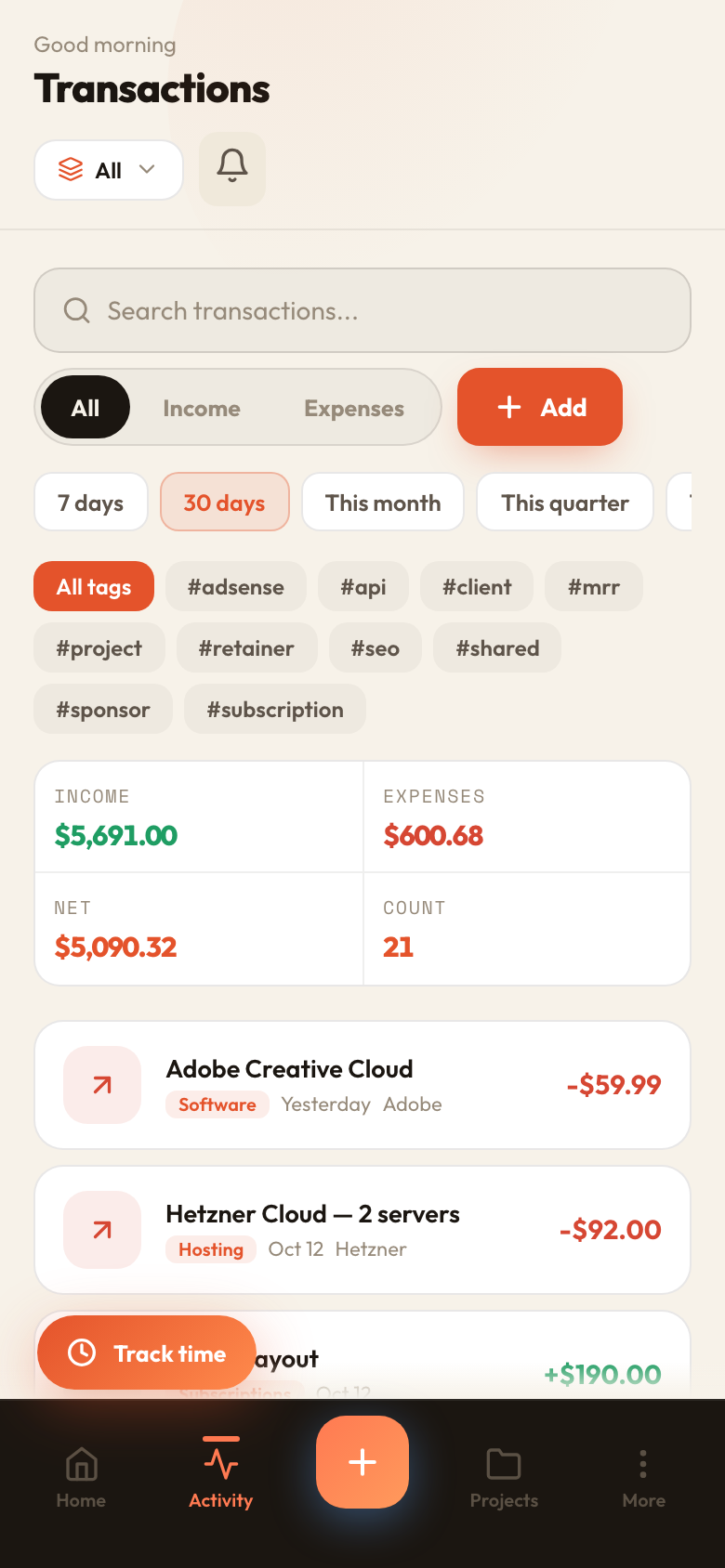
The channel is a project
AdSense and sponsorship income on one side, editor, music, software and gear on the other. Tag entries by video or series.
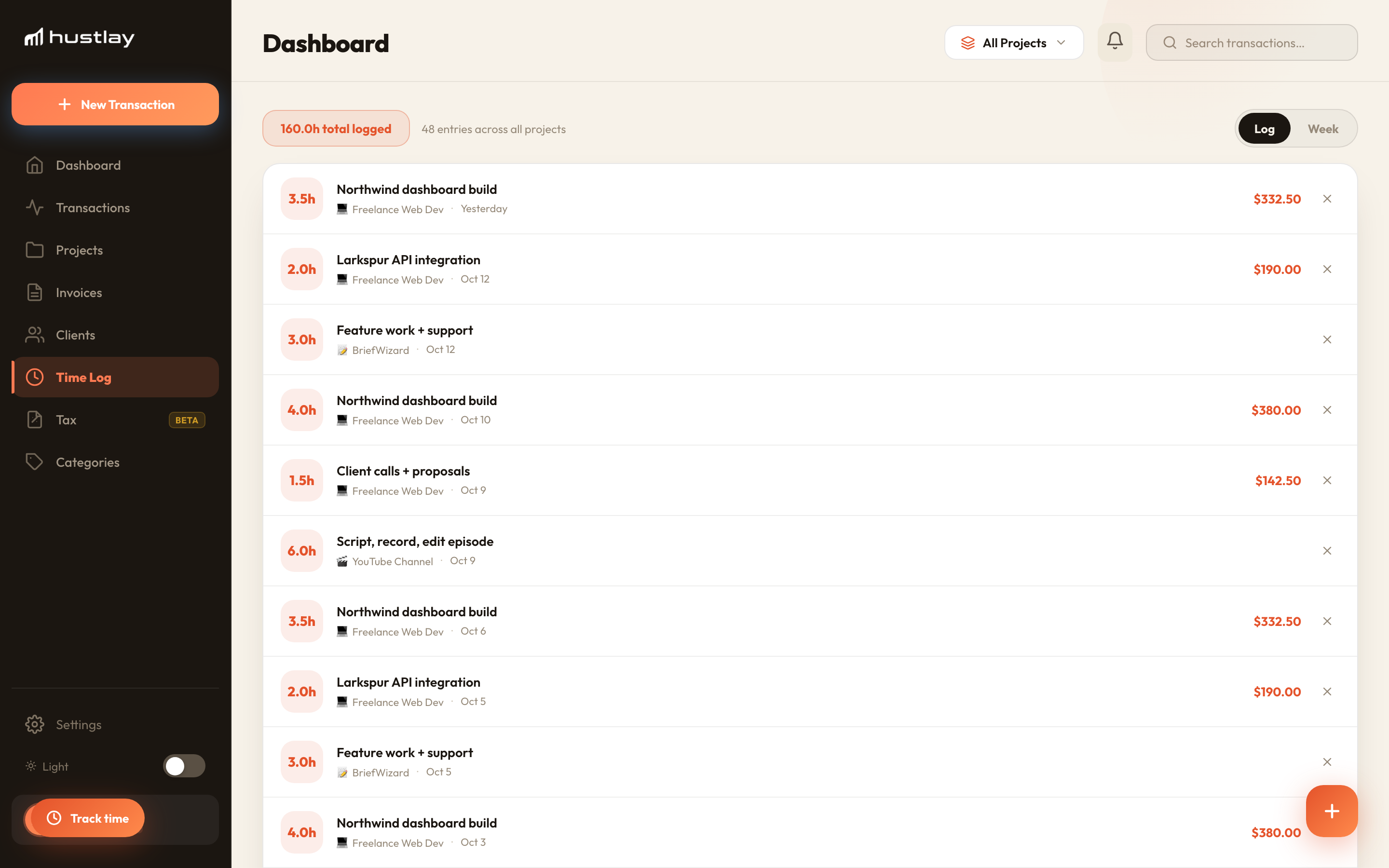
Log the hours per video
Script, record, edit — start the timer or add 6 hours after the fact. The time log keeps a weekly view.
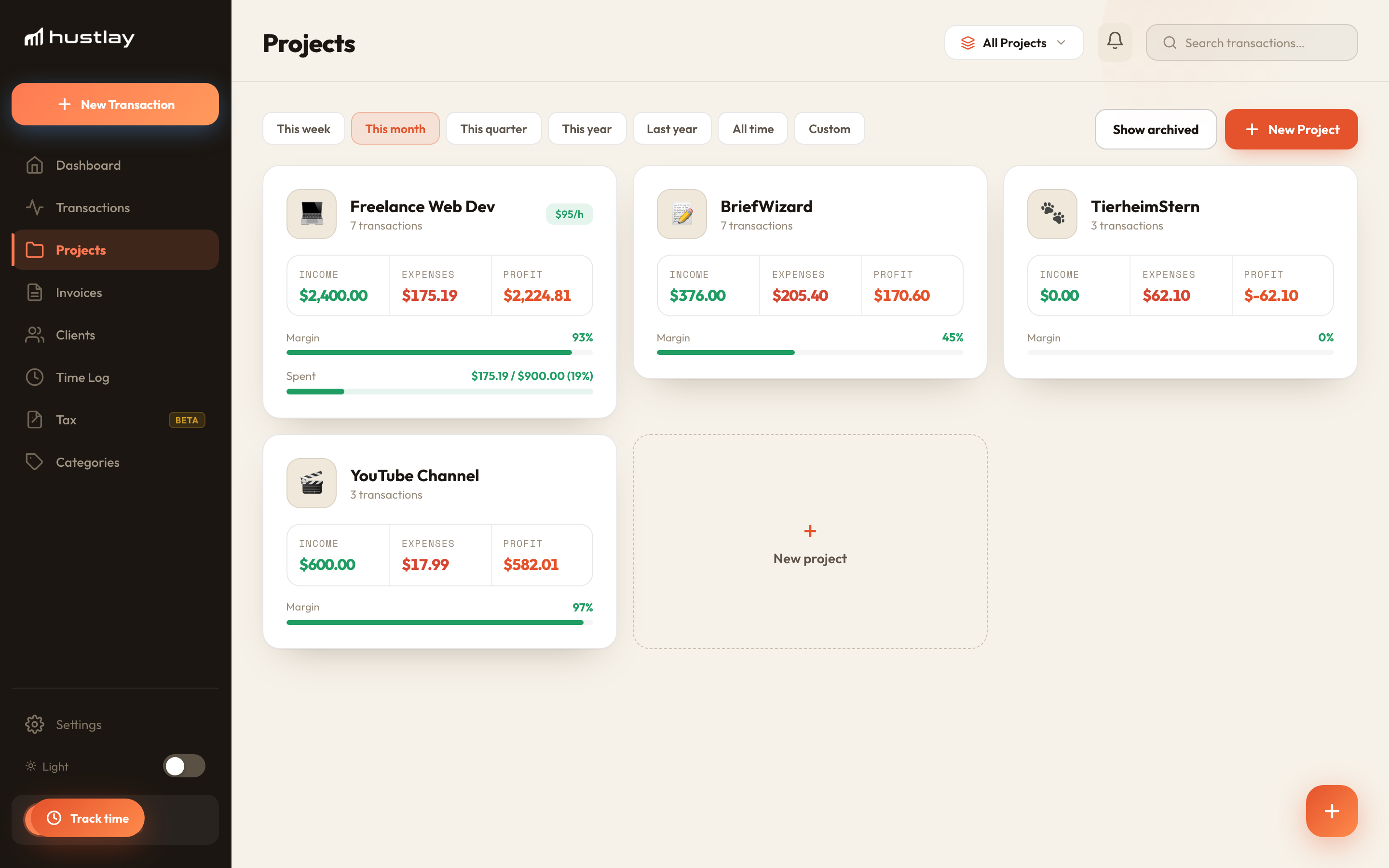
Compare with your other work
Profit per hour sits on the project card. If the channel pays $12/h and client work pays $50/h, you can decide with numbers whether the channel is a business or a marketing channel.
A 25k-subscriber dev channel, one month
Two videos published. AdSense $173, one sponsor $600. Costs: editor $140, music $13. 48 hours logged.
Not nothing — but if the same 48 hours went to clients at $95/h, that's $4,560. Either the channel feeds the client pipeline (then it's marketing, and it's fine) or it needs sponsors every month. Now you can tell which.
- Project types + tags
- Time tracking per project
- Recurring costs (music, software)
- Profit calculator
Can I track per-video profit?
Use tags (#ep42) on income and costs, then filter transactions by tag. A per-video report is on the roadmap.
Where do one-off gear purchases go?
Log them as expenses in the month you buy them, or split a large purchase across several months with recurring entries if you prefer a smoother picture.