
Multiple Income Streams Tracker
Hustlay is a multiple income streams tracker: each stream gets its own income, expenses and profit, and the dashboard adds them up. Adding up deposits only tells you how much came in. Splitting income, costs and hours by stream tells you which streams are worth your time and which only look busy.
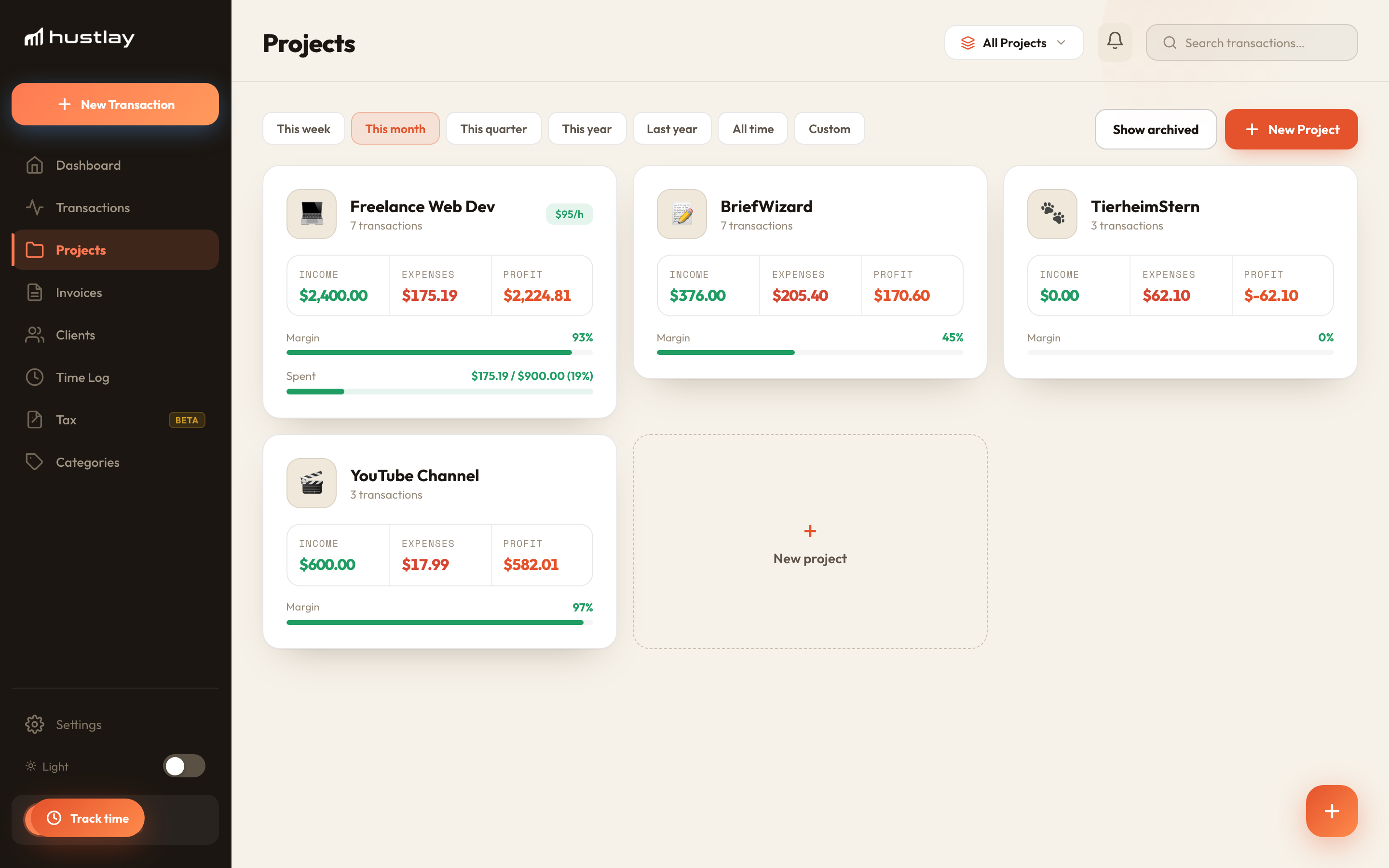
One project per income stream
Create a project for each source: freelance work, the shop, the channel, the affiliate site. Set a type so SaaS and employment income are treated correctly.
Log income and costs where they belong
Payouts, sales and bills go on the stream they came from. Costs several streams use are split by percentage, so no stream carries another's bill.
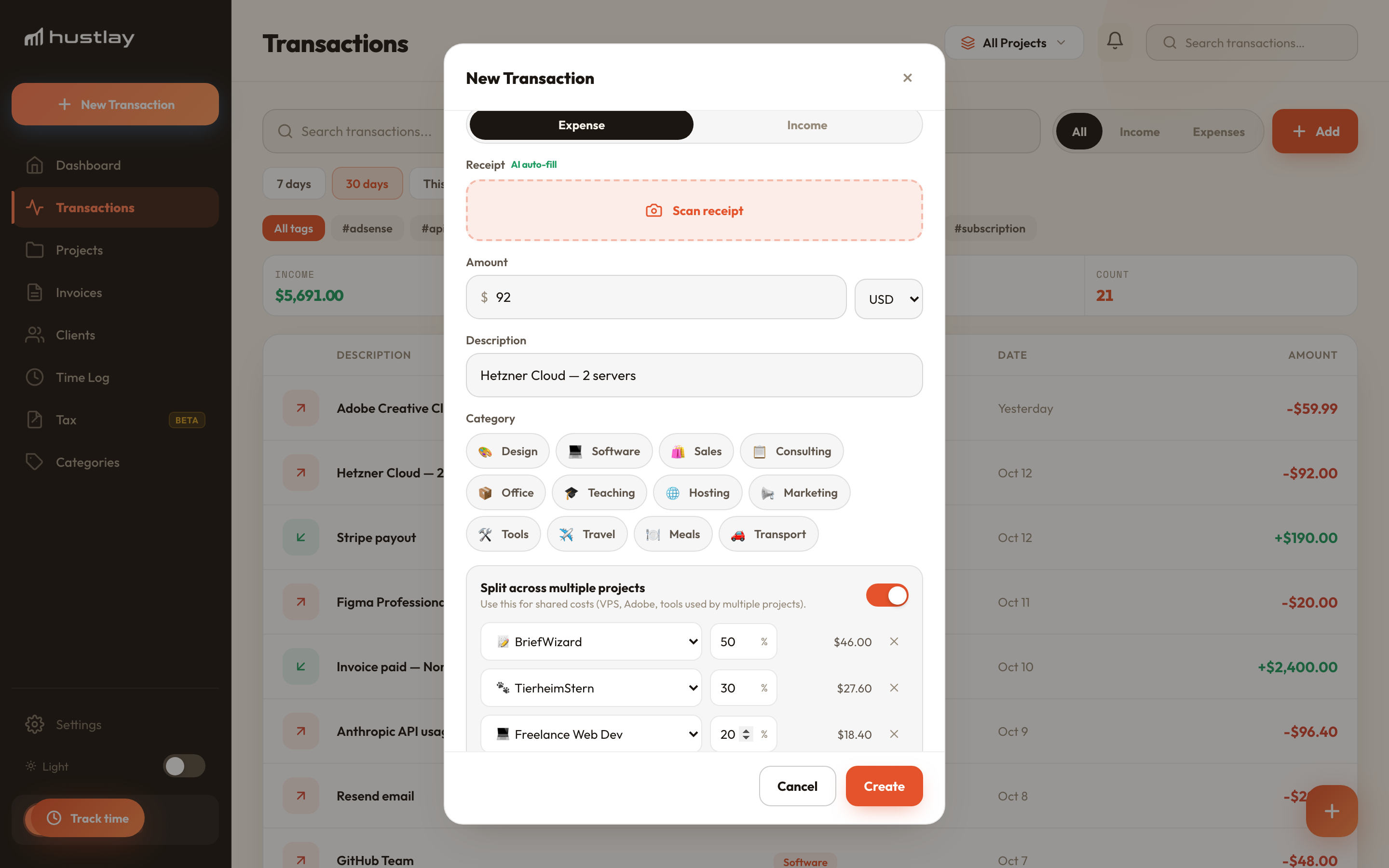
Compare streams by profit and hours
The dashboard ranks streams by profit over the period you pick and, with hours logged, by profit per hour.
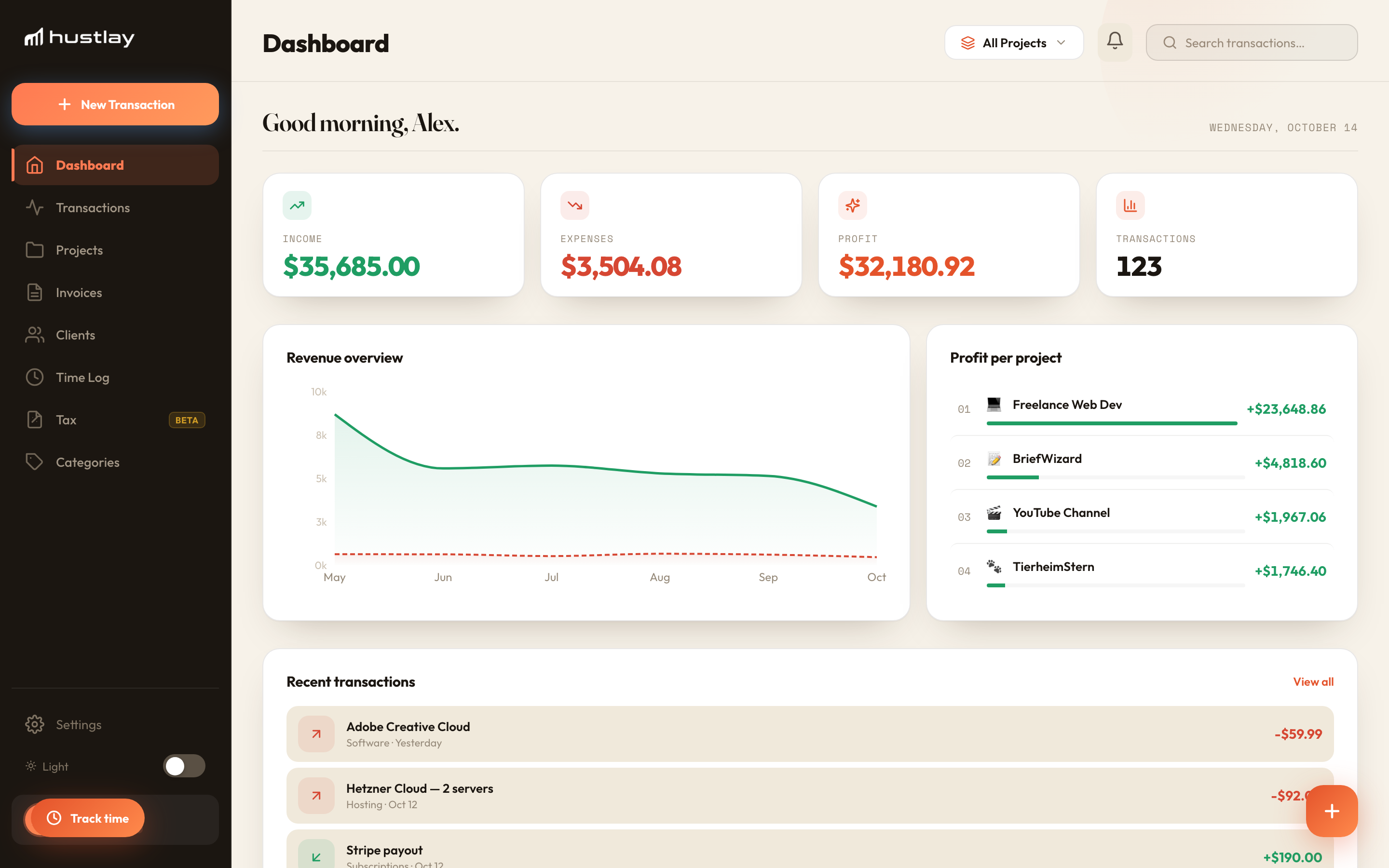
Four streams, one month
A designer runs freelance client work, an Etsy shop, a YouTube channel and an affiliate site.
Income says the Etsy shop is the second-biggest stream at $1,450. Profit says it keeps $430, after $1,020 of fees, materials and shipping. One screen answers where the next hour of work should go.
How is this different from a spreadsheet?
A spreadsheet needs a tab, a formula and a monthly update per stream. In Hustlay each entry lands on its stream, so totals, profit per stream and trends update on their own. A free P&L template is available if you want to start in Excel.
How many income streams can I track?
Free covers one project. Pro covers ten and Max twenty, so most people with several streams are on Pro.
Does Hustlay connect to my bank or PayPal?
No. You add transactions manually, scan receipts or forward receipt emails. There is no automatic bank feed.
Can I include my salary?
Yes. Set the project type to employment and it appears in totals without budgets.