
Client Profitability: How to Track and Calculate It
Client profitability is what a client leaves after the costs and time you spent on them: revenue minus direct and allocated costs, divided by hours for profit per hour. Hustlay gives each client a project with its own income, costs and logged hours, so the comparison is on screen.
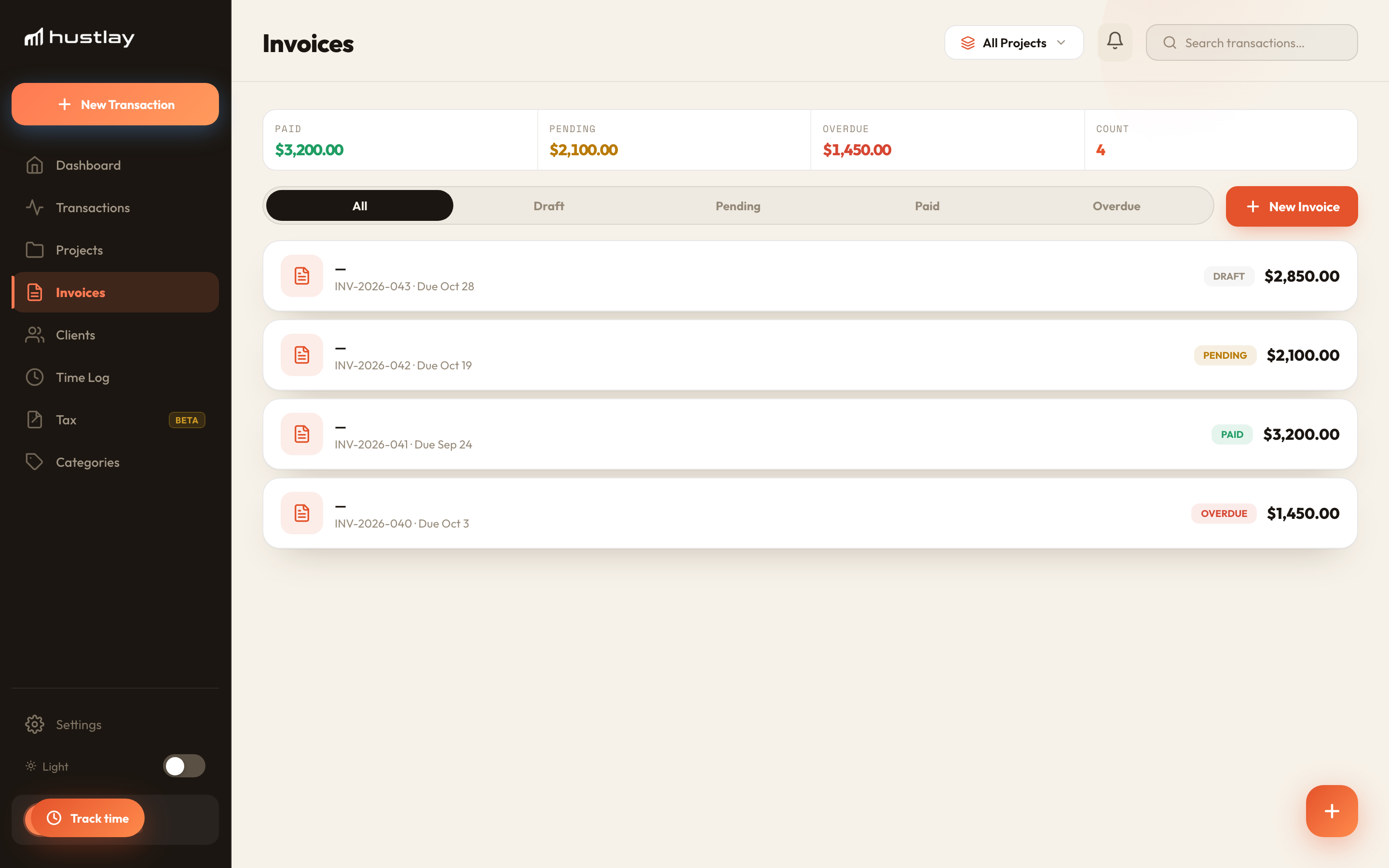
One project per client
Create a project per client or retainer. Invoices paid by that client become income on the project automatically.
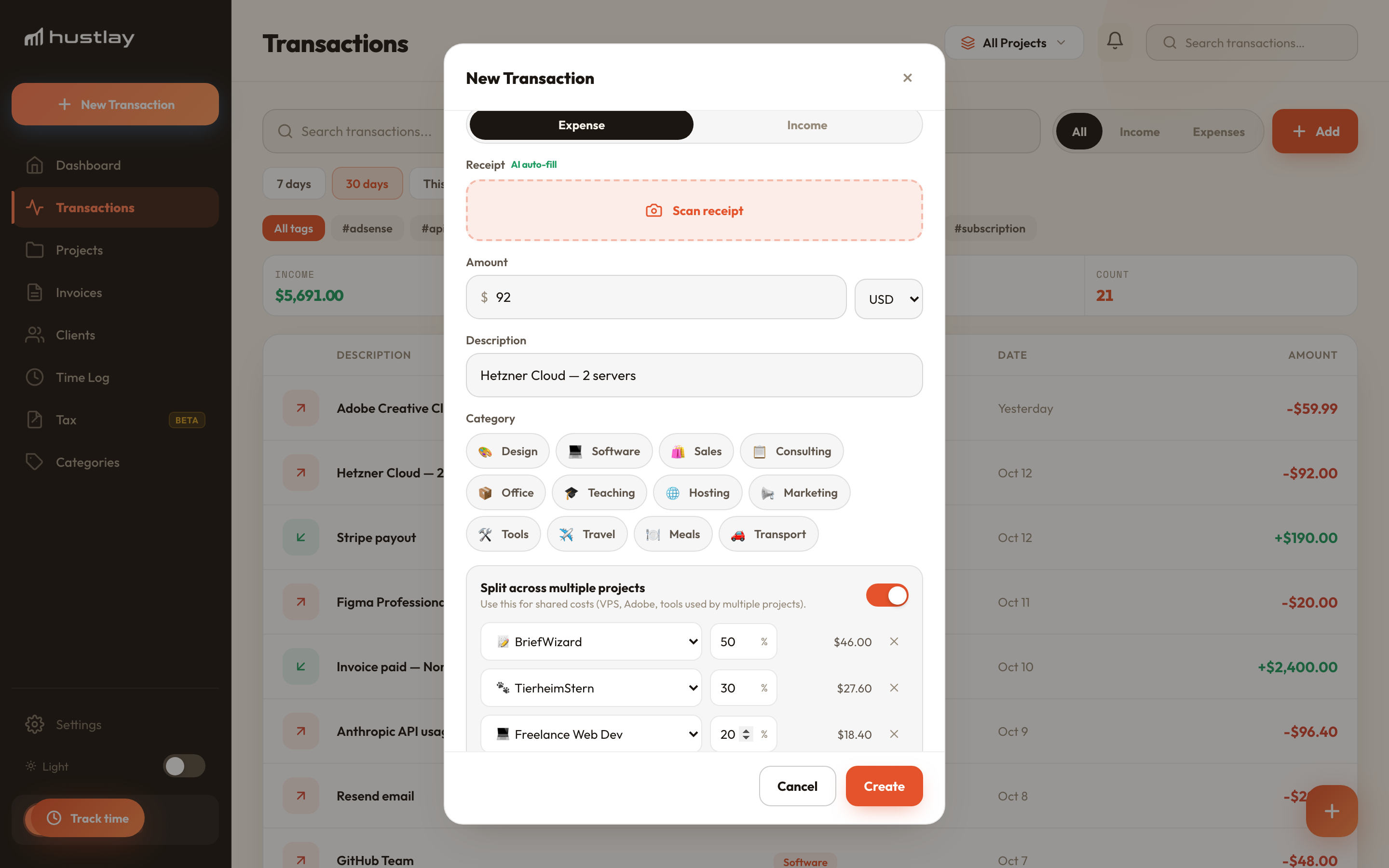
Add direct and shared costs
Book contractors and stock directly on the client. Split tools used by several clients by percentage, so each carries a fair share.
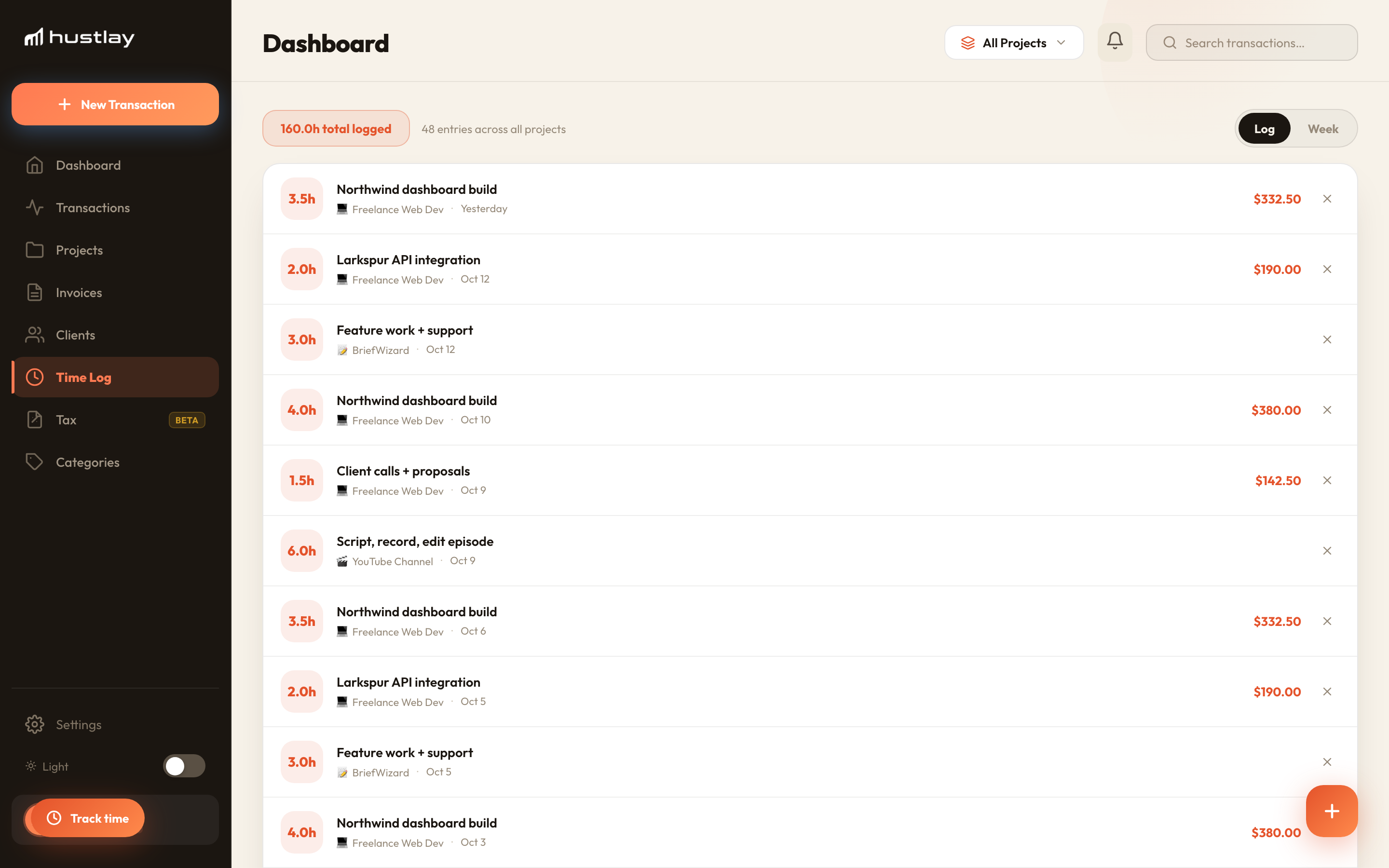
Log hours, read profit per hour
Start a timer or add hours per client. The project card shows profit and profit per hour, and you can sort clients by either.
Three clients, one month
A consultant compares revenue, costs (direct plus share of tools) and hours for three clients.
Mosaic is the largest client and the least profitable per hour, at $45 against $88 for Larkspur. Raising Mosaic's rate or capping its hours is worth more than winning another client like it.
- A P&L per client project
- Hours and profit per hour
- Invoices that book income automatically
- Split shared costs between clients
How do you calculate client profitability?
Client revenue minus the costs you can trace to that client, plus a fair share of costs you cannot. Divide by hours worked for profit per hour, and by revenue for margin.
How is client profitability different from revenue per client?
Revenue shows what a client pays. Profitability shows what you keep after contractors, tools and your own time, which is what you need to decide on rates and scope.
How should shared costs be allocated?
By a driver that reflects use: hours, revenue share or an agreed percentage. Hustlay splits by percentage and keeps the allocation visible in exports.
Which plan do I need?
Free tracks one project. Pro (10 projects) is the lowest plan with split shared costs and invoicing; time tracking and profit per hour need Max.